
PRACTICAL GUIDES · Images and photos
Convert HEIC to JPG: what to check before sending
A form that rejects HEIC may accept a converted JPG of the same photo. Aim for a usable copy, checking the image itself as well as the file format.
1. Confirm that the format is the problem
Read the recipient’s accepted formats. If HEIC is supported and opens correctly, conversion may be unnecessary. If JPG or JPEG is required, the image needs an actual conversion.
Accepted format and maximum file size are separate requirements. A valid JPG may still be too large in bytes or too small in pixel dimensions.
2. Keep the HEIC original
Work on a copy and retain the source for later editing. A compatible delivery format is not automatically the best master copy for your photo.
Before converting, note width, height and orientation. Choose a representative photo with fine details, lettering and bright areas so you have useful comparison points.
HEIC to JPG3. Convert and download the JPG
Open HEIC to JPG, select one HEIC or HEIF file and start the conversion. The current tool handles one photo at a time and does not expose a JPEG quality slider.
Processing takes place on the server. Check the limits on the tool page, then download the copy and confirm that the destination application recognizes it as a JPEG image.
TRY THIS STEP
HEIC to JPG
Use the full tool here. Load the sample or select your own file and adjust the settings.
A reproducible example
The synthetic HEIC sample is 960 × 640 pixels and contains text, colours and fine lines. Convert it to JPG and compare these details with the preview. Measure the output size; conversion does not guarantee a smaller file.
Synthetic sample · HEIC · 23,215 B

Our measured test
Test run on 3 November 2026 using the site’s conversion engine in an isolated Linux environment. These measurements apply to these samples; other files and engine versions can produce different results.
- Source
- 23,215 B
- Downloadable result
- 69,725 B
Settings: JPEG quality (10–95) 90
Downloadable result · JPG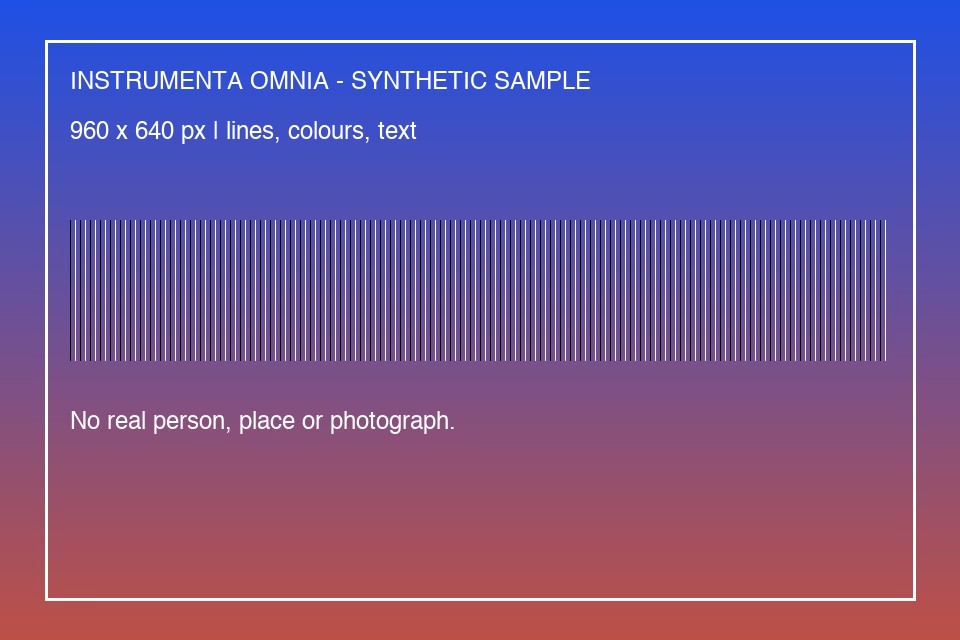
Result
Choose files and options to prepare the download.
We use your files only for the result you request. No registration.
4. Example: a photo rejected by an upload form
The form accepts JPG but rejects your HEIC file. Convert a copy and try it in the same form. A new error about size or dimensions means that requirement needs a separate fix.
From a format rejection to a tested copy
- Starting point
- One HEIC file; a form accepting JPG/JPEG only
- Result
- A JPG copy to test in the original form
If the JPG opens but exceeds the byte limit, format conversion succeeded. File size remains a separate requirement to address.
-
Format
The recipient recognizes JPEG.
-
Image
Orientation, detail and colors are suitable.
-
Requirements
File size and pixel dimensions are accepted.
5. Inspect what changed
Compare the original and copy at the same scale. Check rotation, faces, edges, lettering and colors. Conversion does not promise to preserve every HDR characteristic or color profile.
Avoid repeatedly editing and saving successive JPG copies. Each new encoding can introduce additional changes. If the output is too large, measure it before choosing further compression.
| Problem | Useful check |
|---|---|
| Unsupported format | HEIC to JPG conversion |
| Too many bytes | Actual size and compression |
| Image too small | Pixel width and height |
6. Test the photo where it will be used
A good preview does not prove the recipient can open the file. Test the copy in the form, attachment workflow or application that needs it.
For documents with small text, check readability carefully. For printing, also check the service’s pixel requirements: the JPG extension alone does not establish print quality.
Puffinmint created these samples on 3 November 2026. Source file data is measured; output is produced when you run the tool. Final size and accuracy are not guaranteed. Tick the checks after opening and comparing the result.
Sources and method
Frequently asked questions
Can I just rename .heic to .jpg?
No. Renaming changes the filename, not the encoded image data.
Will the JPG always be smaller and identical?
No. Size and appearance depend on the source and conversion. Measure and compare the output; do not assume a lossless conversion.